Completing a Stop on Your Back of Truck System (BOTS/TruckSiS)
In this article we will go over the steps to complete a stop on the Back of Truck System (BOTS/TruckSiS).
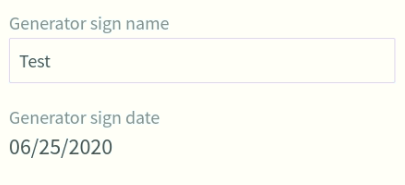
Enter generator sign name
Enter a generator sign name by selecting the field on the left side of the screen. Entering a name will create the sign date as the current date.
Completing a stop
The Complete stop feature is located on the bottom left of the screen in any stop, under the arrival time.

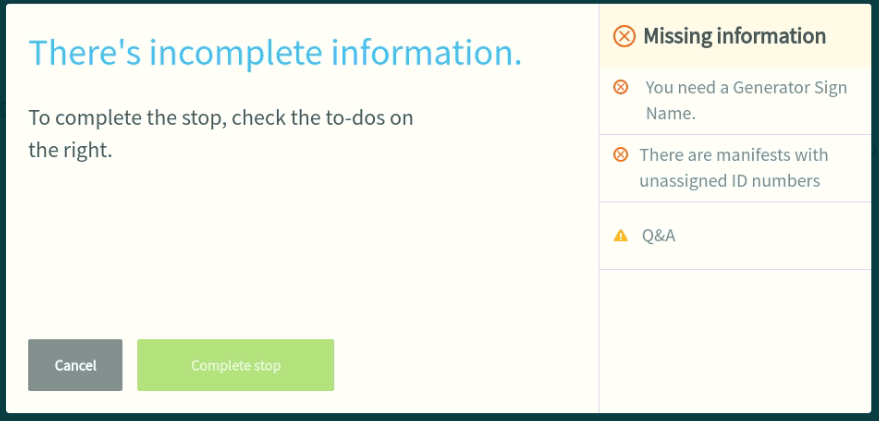
- Select Complete stop. The TruckSIS will confirm that all required steps are completed. Required steps include: entering a manifest tracking number, entering a generator sign name, Q&A.
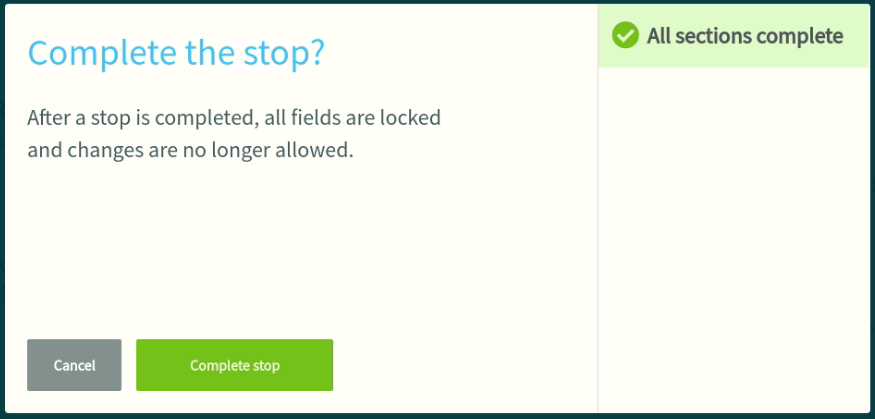
- Once all necessary steps are completed, confirm Complete stop to mark the stop completion time and go back to the stop list.
Still stuck? Contact support or email support@smartersorting.com Either way it lands straight in our ticket queue.