Cradlepoint Modem Setup Instructions
How to properly install a SIM card and plug the ethernet cord into the correct port for a Cradlepoint modem.
Instructions for correctly installing a Cradlepoint Modem
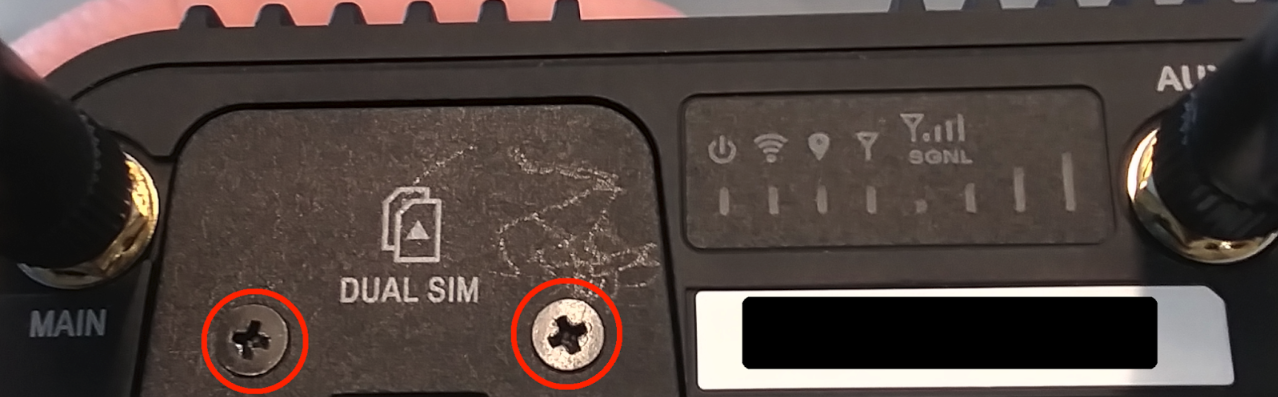
Unscrew the sim door cover and remove.
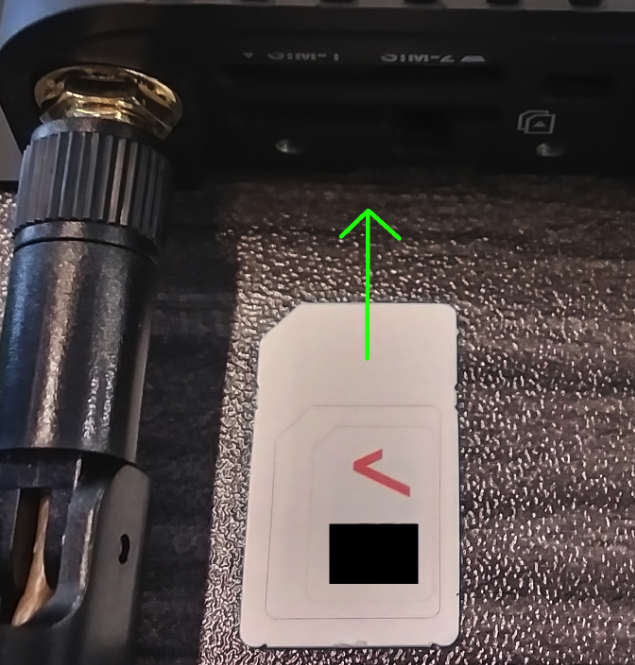
Insert sim card with notched end first, contacts facing down, and press until it clicks.
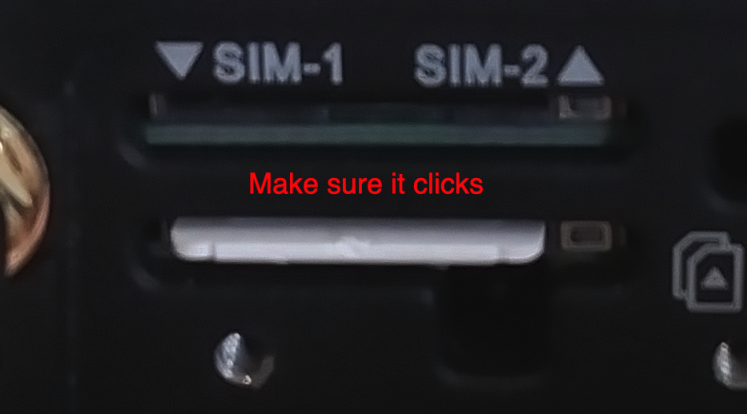
Screw the sim card cover back on.
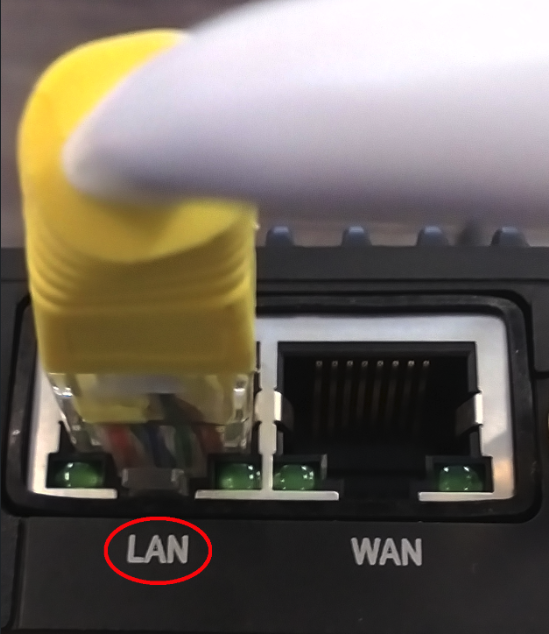
Plug the power cable in and plug the ethernet cable into the port labeled LAN.
Still stuck? Contact support or email support@smartersorting.com Either way it lands straight in our ticket queue.