Filling in trip notes on the Back of Truck System (BOTS/TruckSiS)
Need a place to put notes on your device. Good news, we made a place and we'll tell you how to write in your notes on a TruckSiS device.
Stop notes
Technicians can enter common stop notes or custom notes to add details about a pickup. Navigate to Notes in the work queue to begin.
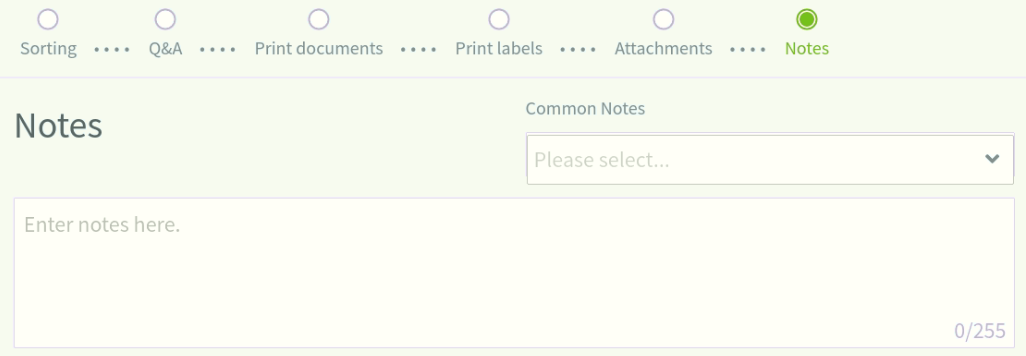
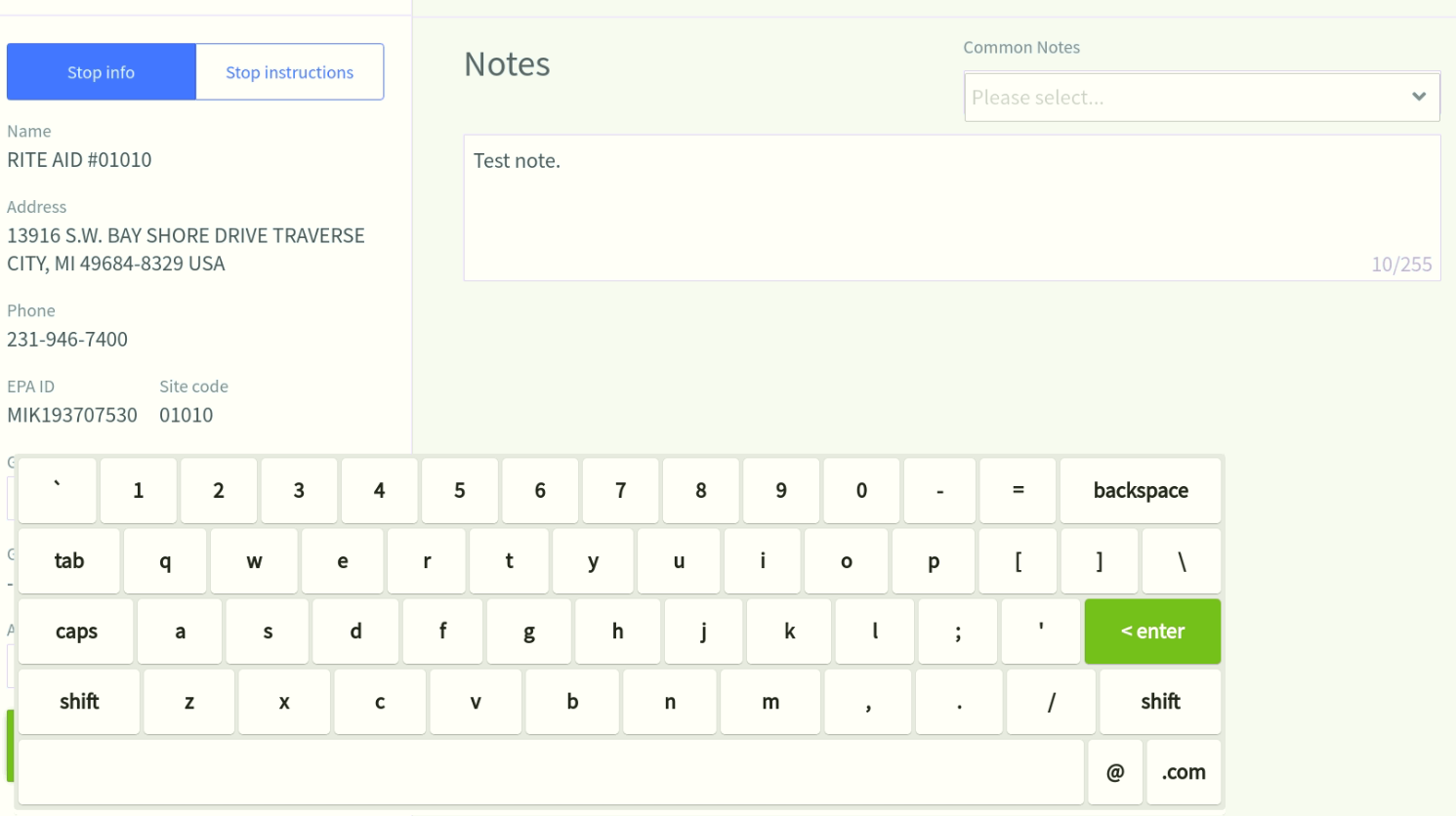
- Select the text box to bring up the keyboard. You can enter any notes in this section.
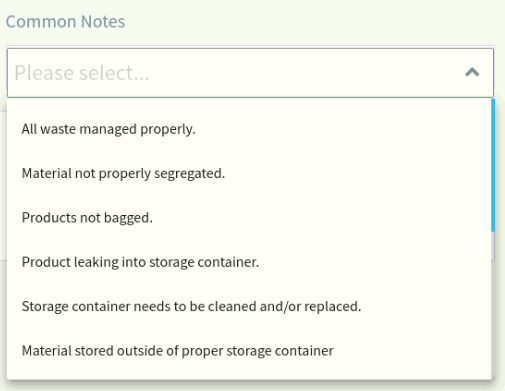
- Select the Common Notes dropdown to view a list of common stop notes. Select a common note and it will paste in the text box.
Still stuck? Contact support or email support@smartersorting.com Either way it lands straight in our ticket queue.