How Do I Create a New Account for My Back of Store System
Needing to create a new account. We will walk you through the steps to create a new account on your Back of Store System.
I need to create a new account or my BOSS, how do I add a new user?
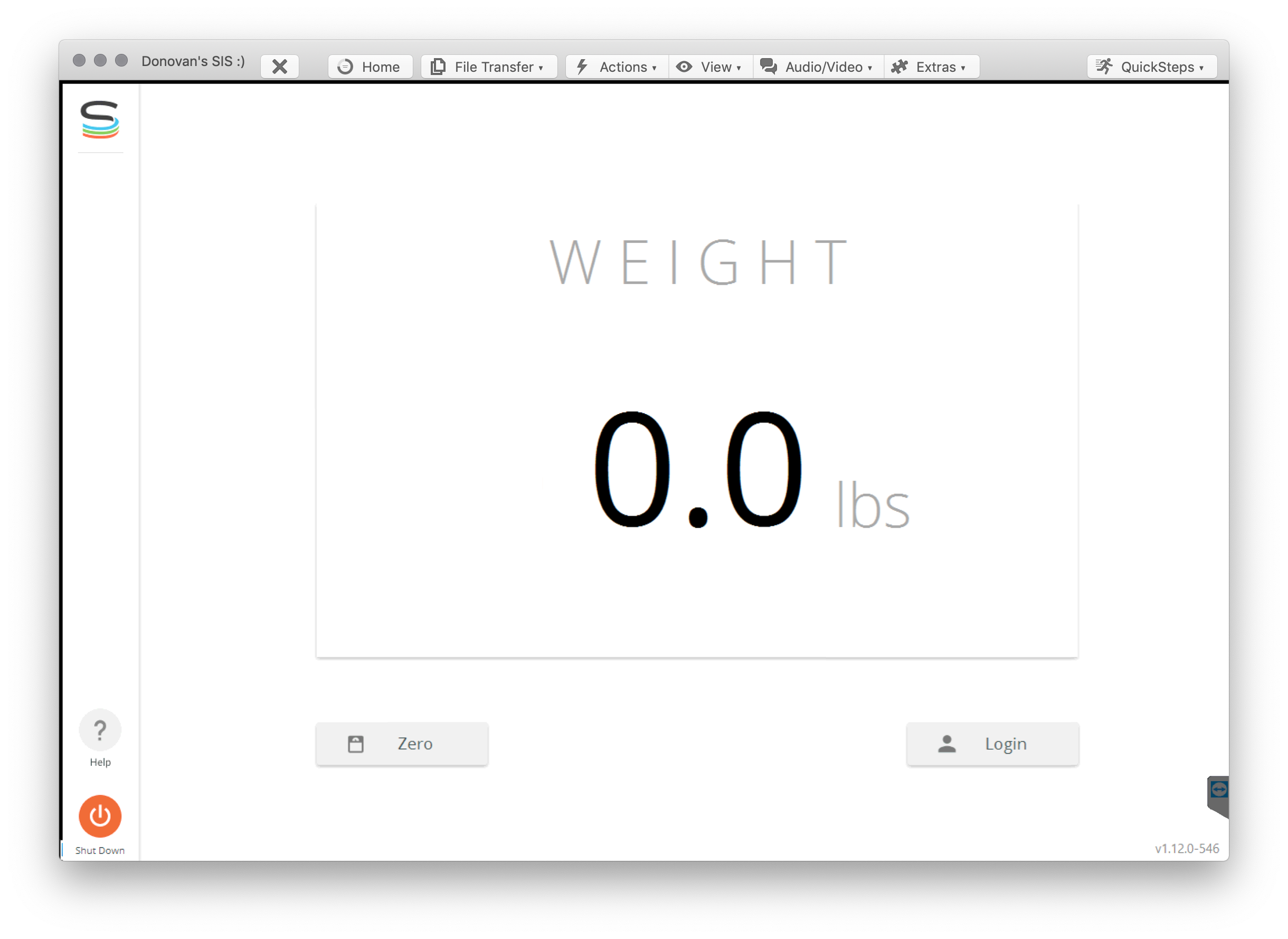
- On the main screen, click the "Login" button at the bottom-right:
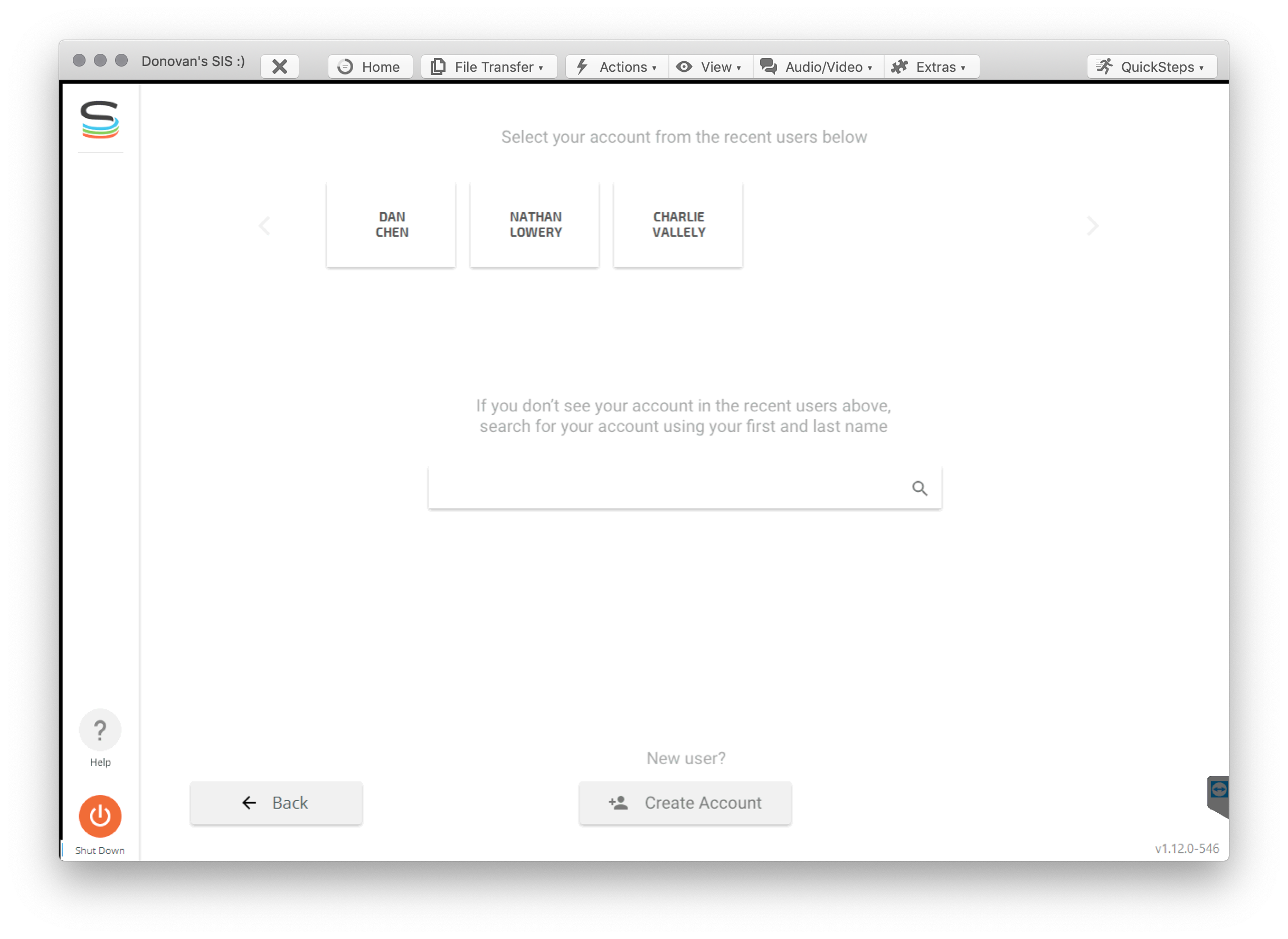
- On the next screen, click the "Create Account" button at the bottom-center:
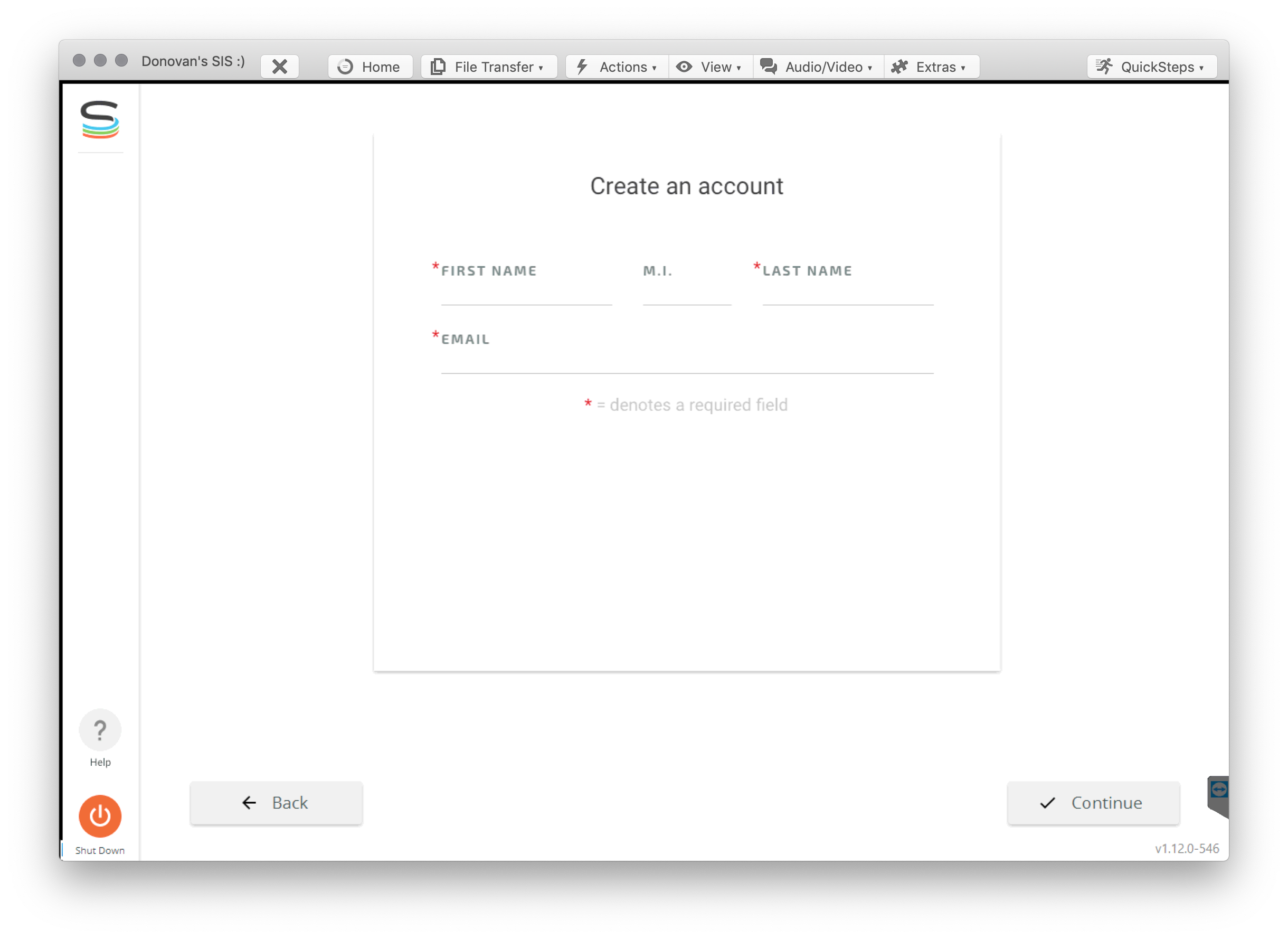
- Fill out the various fields, and then click the "Continue" button at the bottom-right:
- Create a four digit pin code on the next screen:
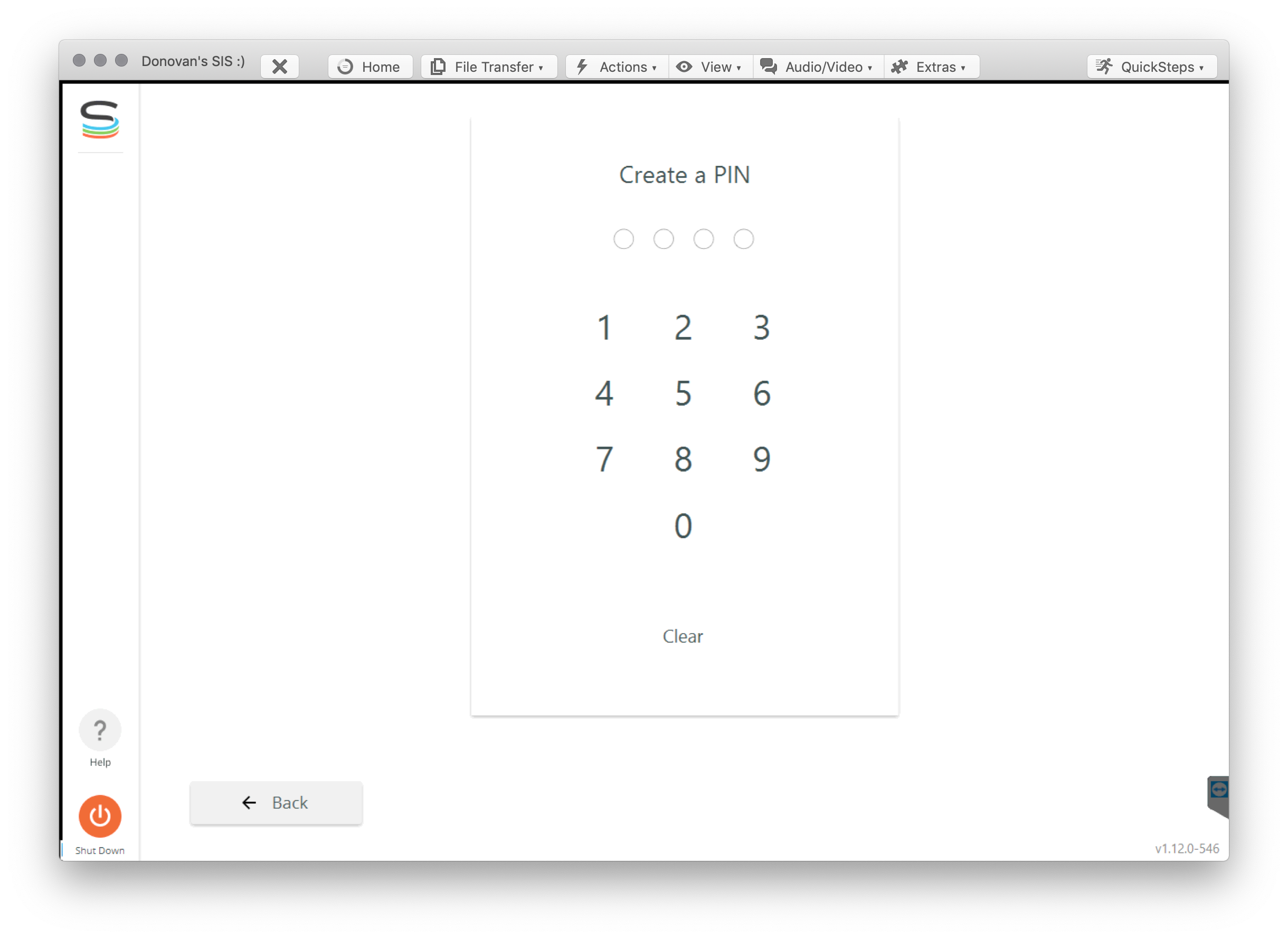
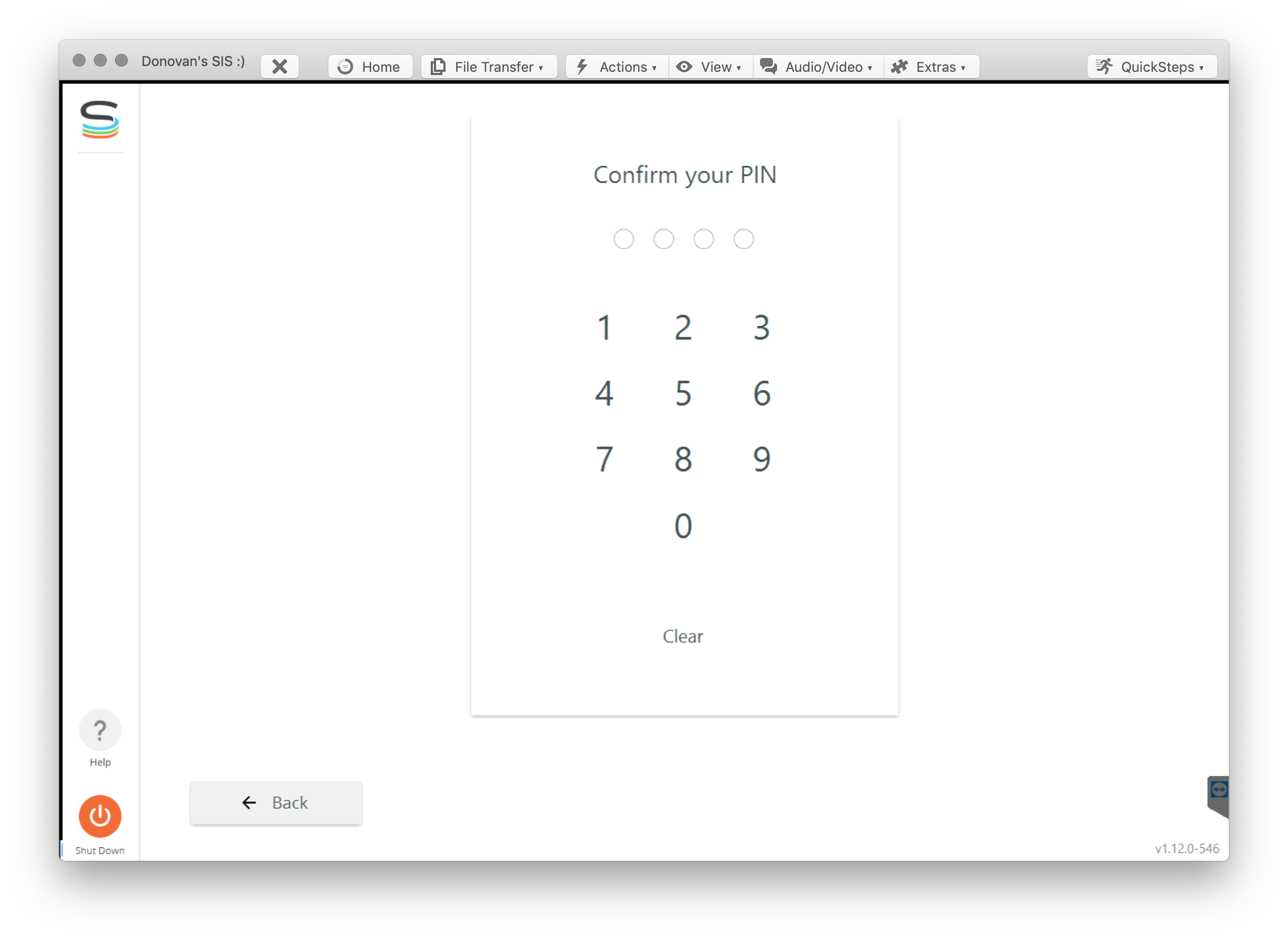
- Type in the same pin code to confirm:
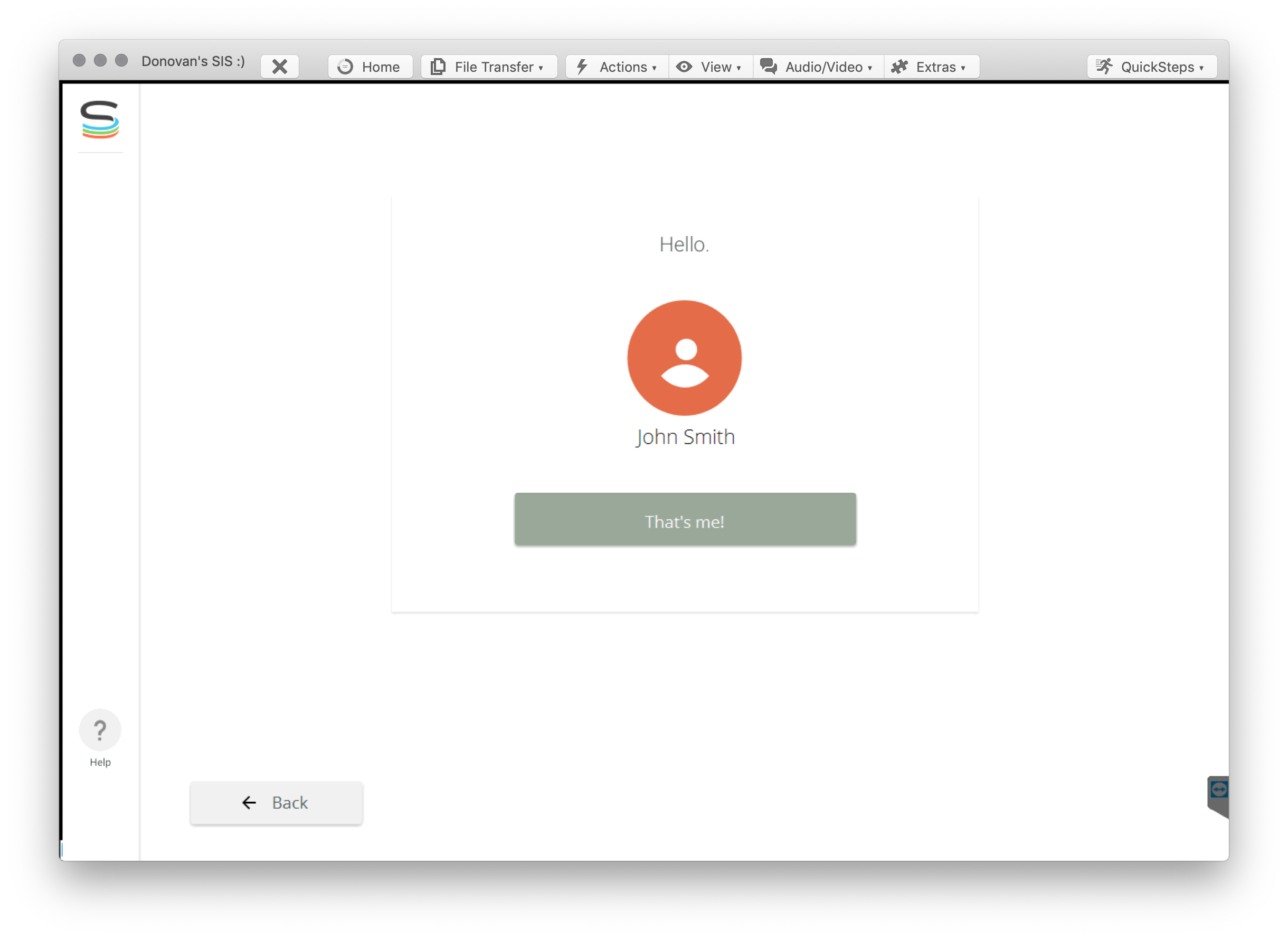
- You'll see your first and last name. Click on the "That's me!" button once done:
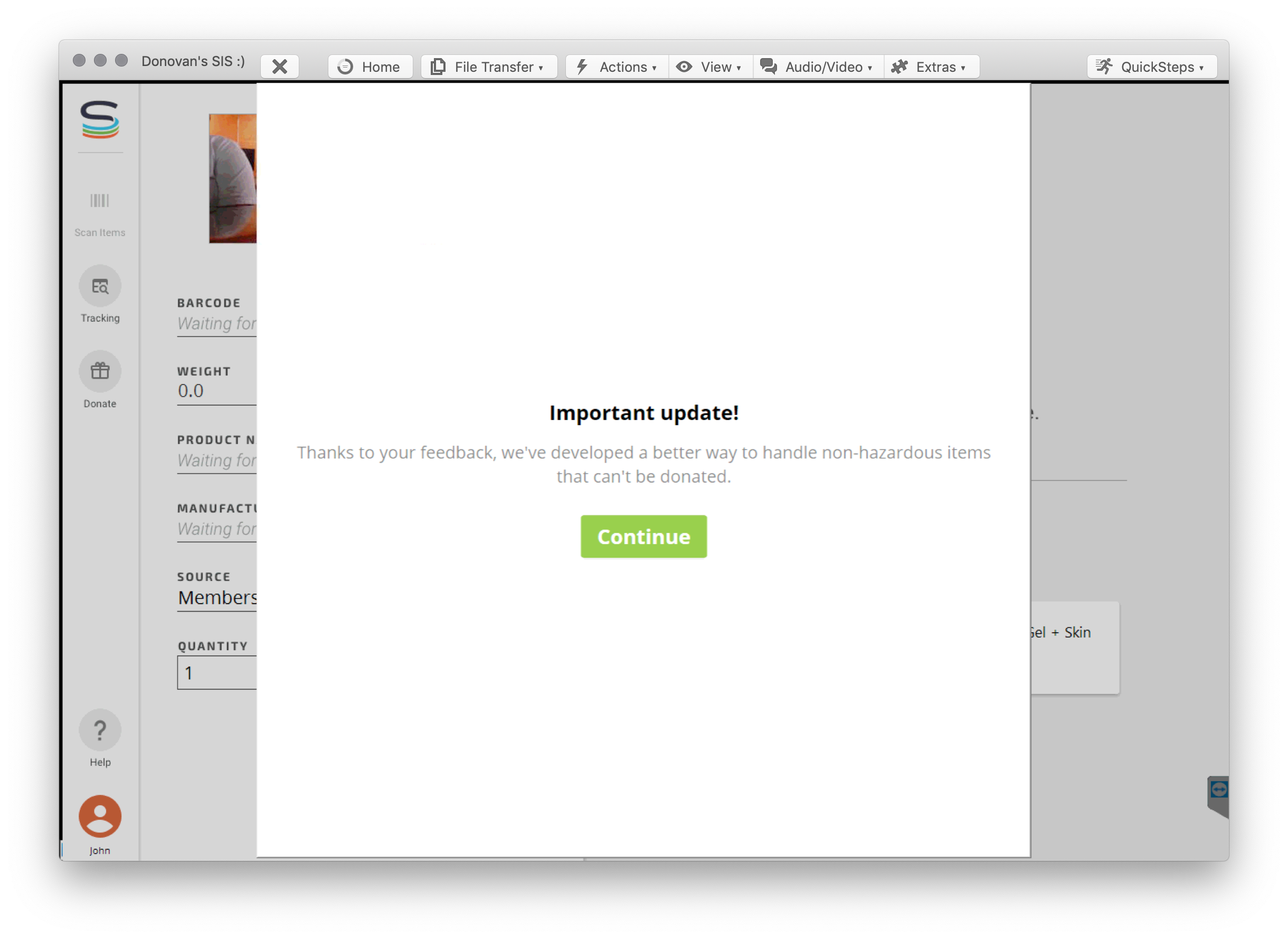
- The SIS will automatically play a training video. Please watch the video and pass the short quiz at the end.
Still stuck? Contact support or email support@smartersorting.com Either way it lands straight in our ticket queue.