How Do I Restart the Back of Store System
Sometimes we all need a reset. Learn how to restart the Back of Store System.
Issue
I need to restart the Back of Store System, what do I do?Resolution
- Tap on the user icon at the bottom left of the screen
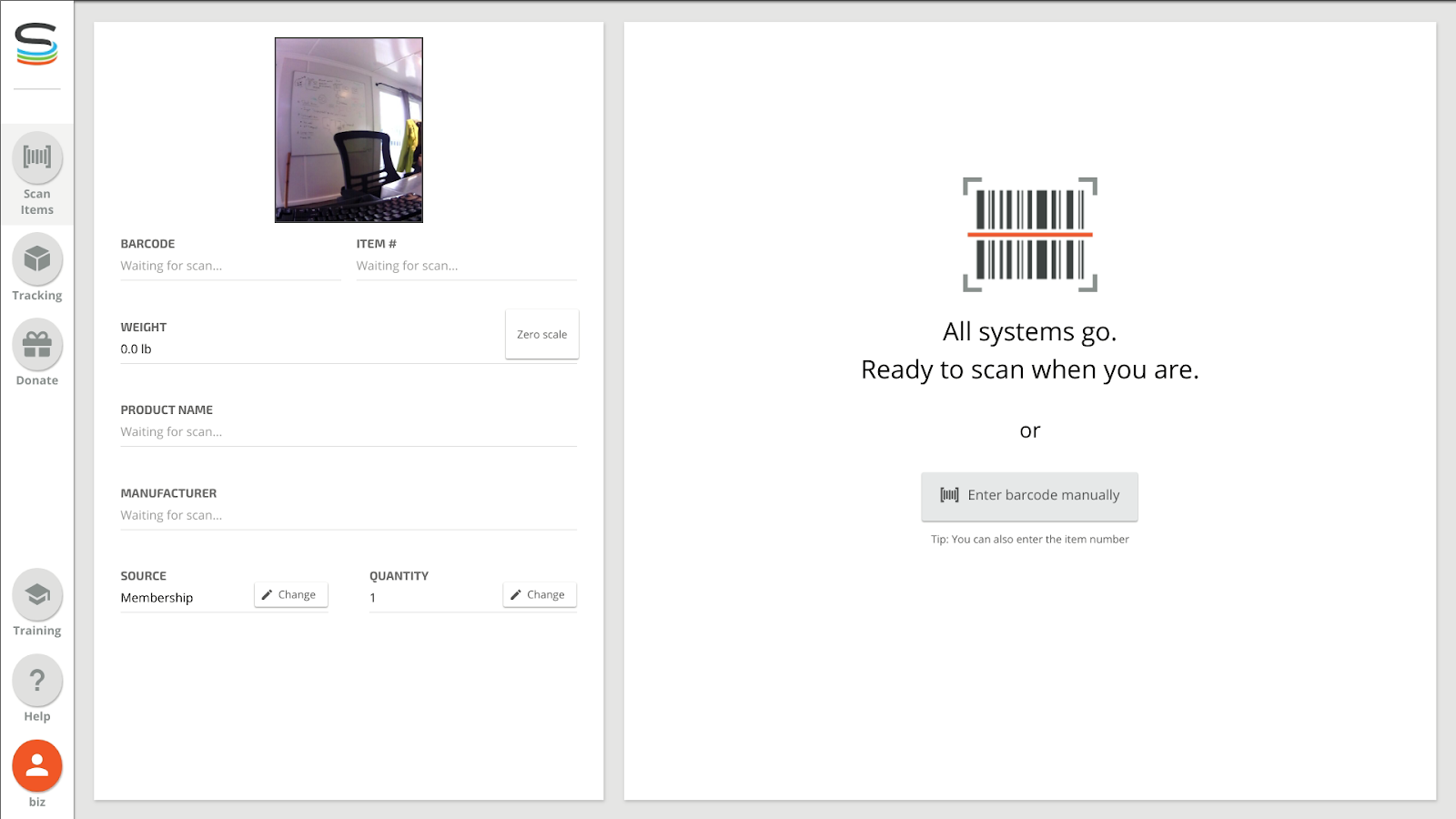
- Tap ‘Restart; at the bottom of the screen:
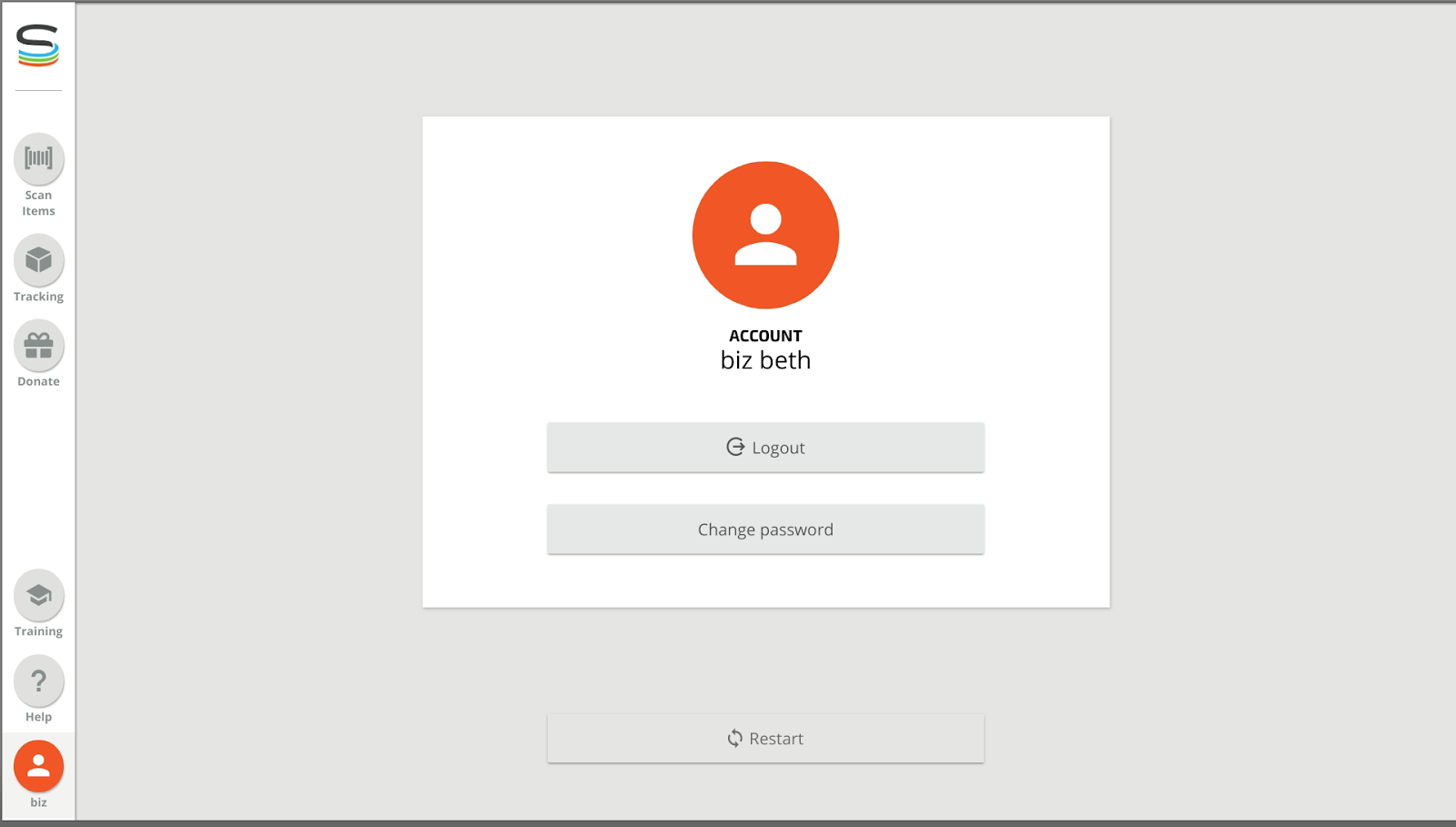
- Wait for the SiS to restart
- Log in by selecting the username and enter your pin. At this point the image should be back.
If after following these steps the SIS is still not fully functioning properly, please contact Smarter Sorting's support.
Still stuck? Contact support or email support@smartersorting.com Either way it lands straight in our ticket queue.