How to sync trip data on the Back of Truck System (BOTS/TruckSiS)
This article will walk you through synching data on your TruckSiS device.
Sync new/updated trip data
US Ecology may change details and data about your current trip (e.g. adding approvals, changing document types, etc.) When this is confirmed by your US Ecology representative, you can select Sync trip on the top navigation bar to fetch any updates to your TruckSIS.
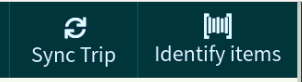
- Select Sync trip. The wheel will spin while the TruckSIS searches for an update.
- If an update is found, the TruckSIS will being Syncing until the system indicates the sync is successful.
Still stuck? Contact support or email support@smartersorting.com Either way it lands straight in our ticket queue.