How to test the Back of Truck System (BOTS/TruckSiS) hardware and perform system diagnostics
If your unit is not working as expected, but you want to know more, we have included the ability to run diagnostics within the help menu.
My Back of Truck System (BOTS) is acting strangely, is there a way for me to run diagnostics in order to narrow down what's going on?
Accessing the System Diagnostics tool:
- Make sure the BOTS is powered on and has booted to the login screen.
- Select Help and Support from the navigation bar on the top right of the screen.
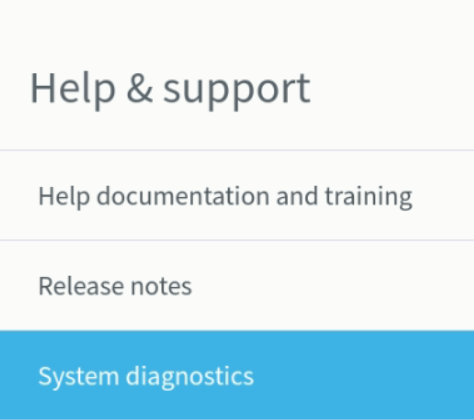
- From the Help and Support tool, select System diagnostics menu item from the navigation list on the left:
- Follow the on-screen instructions to complete hardware testing.
Still stuck? Contact support or email support@smartersorting.com Either way it lands straight in our ticket queue.