Individual Product Upload
How to add products individually
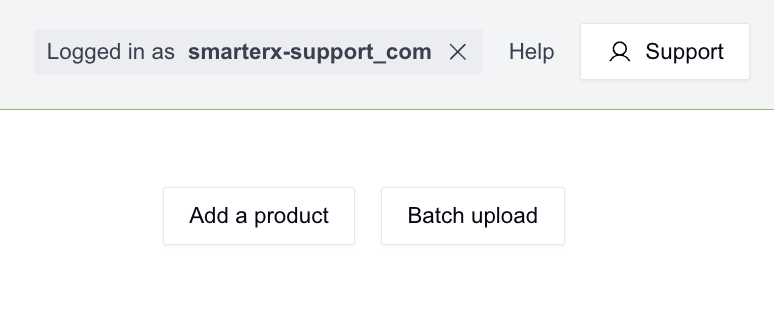
Click ‘Add a product’ in the top right.
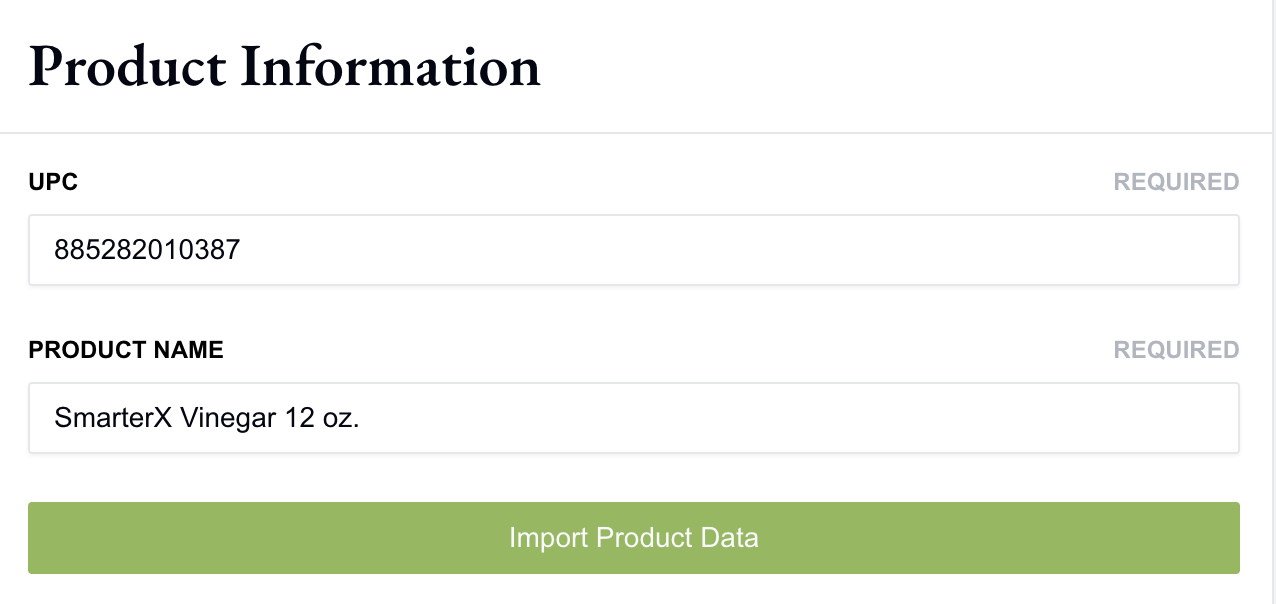
To begin, we only require your UPC and Product Name. We'll enrich your product details using that information. If additional details are needed, you’ll be prompted to provide them in the next step. Click 'Import Product Data'.
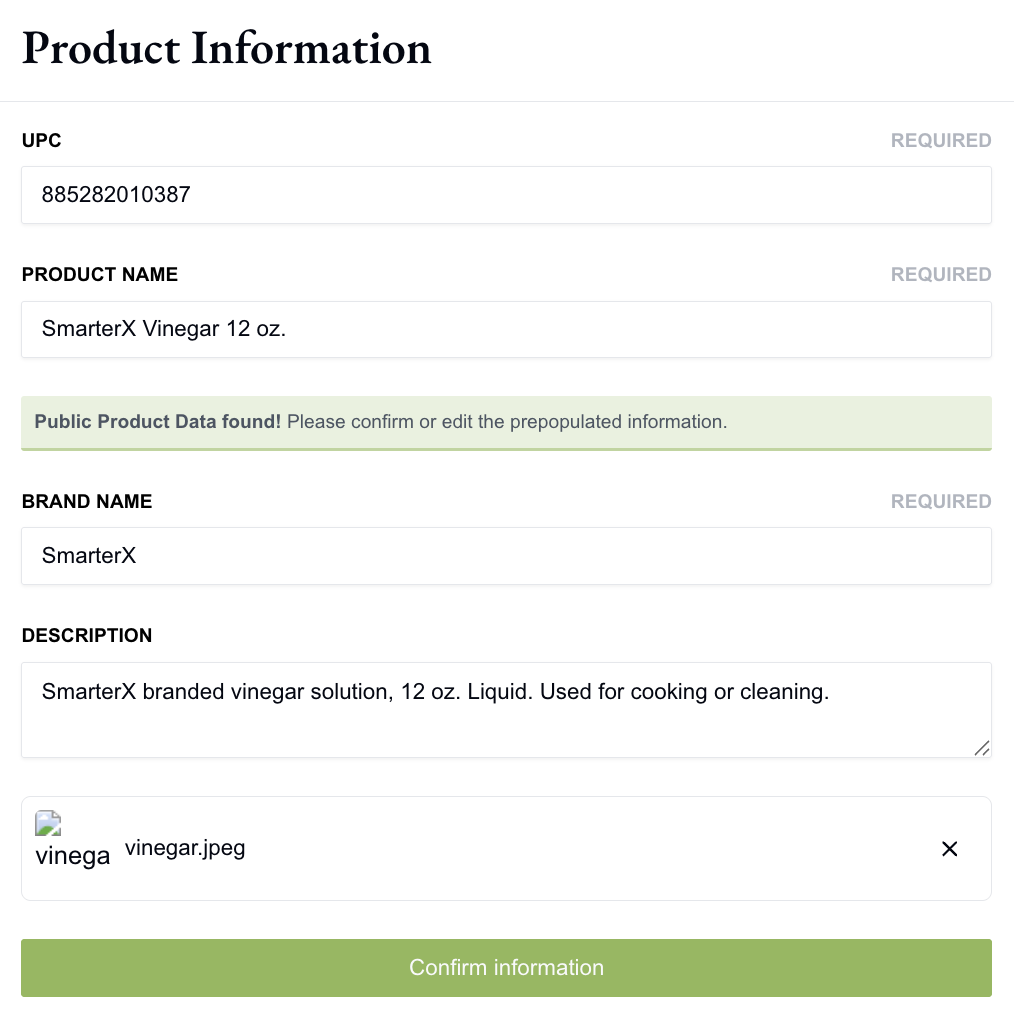
You will need to review all of the information we brought in, and make edits if needed. If we were unable to enrich your product, you will need to add all information here. Once done, click ‘confirm information’.
Once you confirm, we will open up the component cards. If your item is a single component you will only see one. If multiple components you should see them listed or can use ‘new component’ to add the additional items.
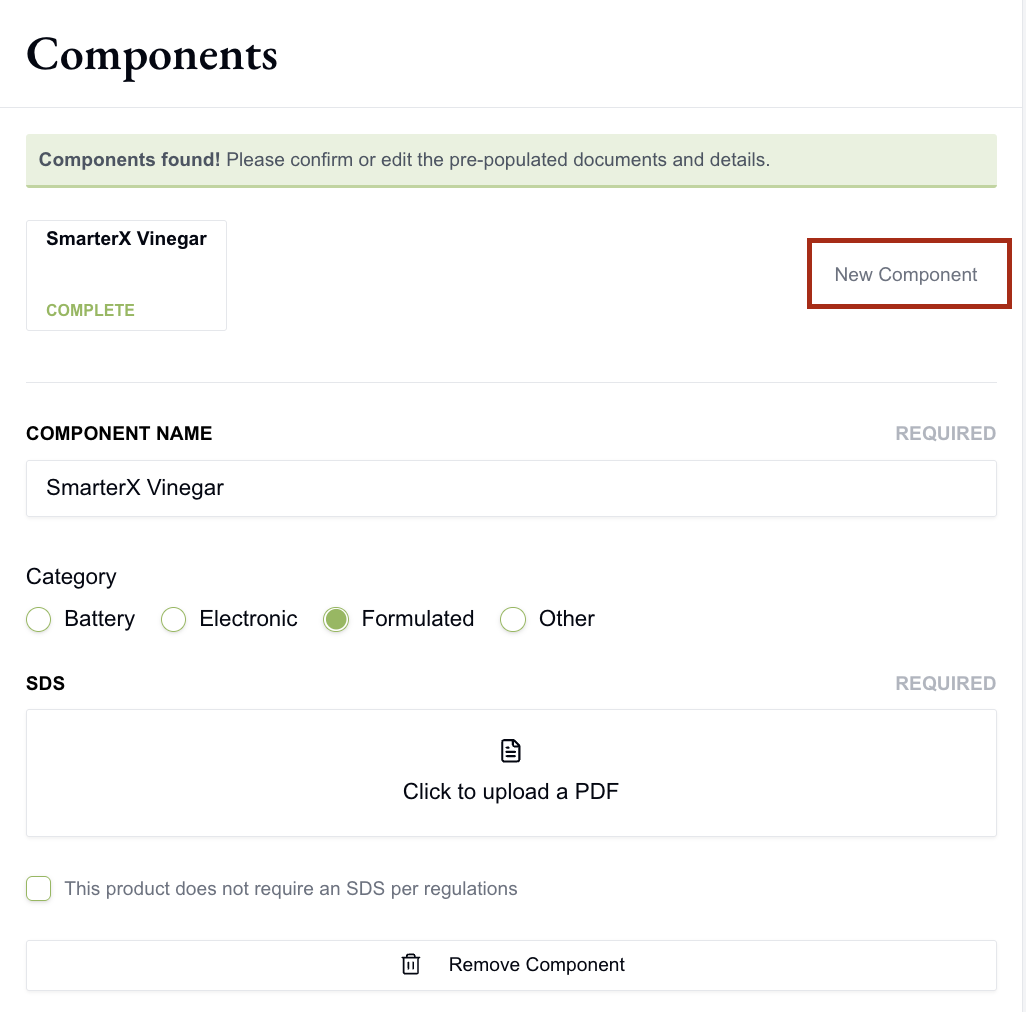
We expect to see all regulated components of the UPC added. For example, a TV would have the TV, the remote control, and the remote control battery. You will need to click into each component card to fill out information.
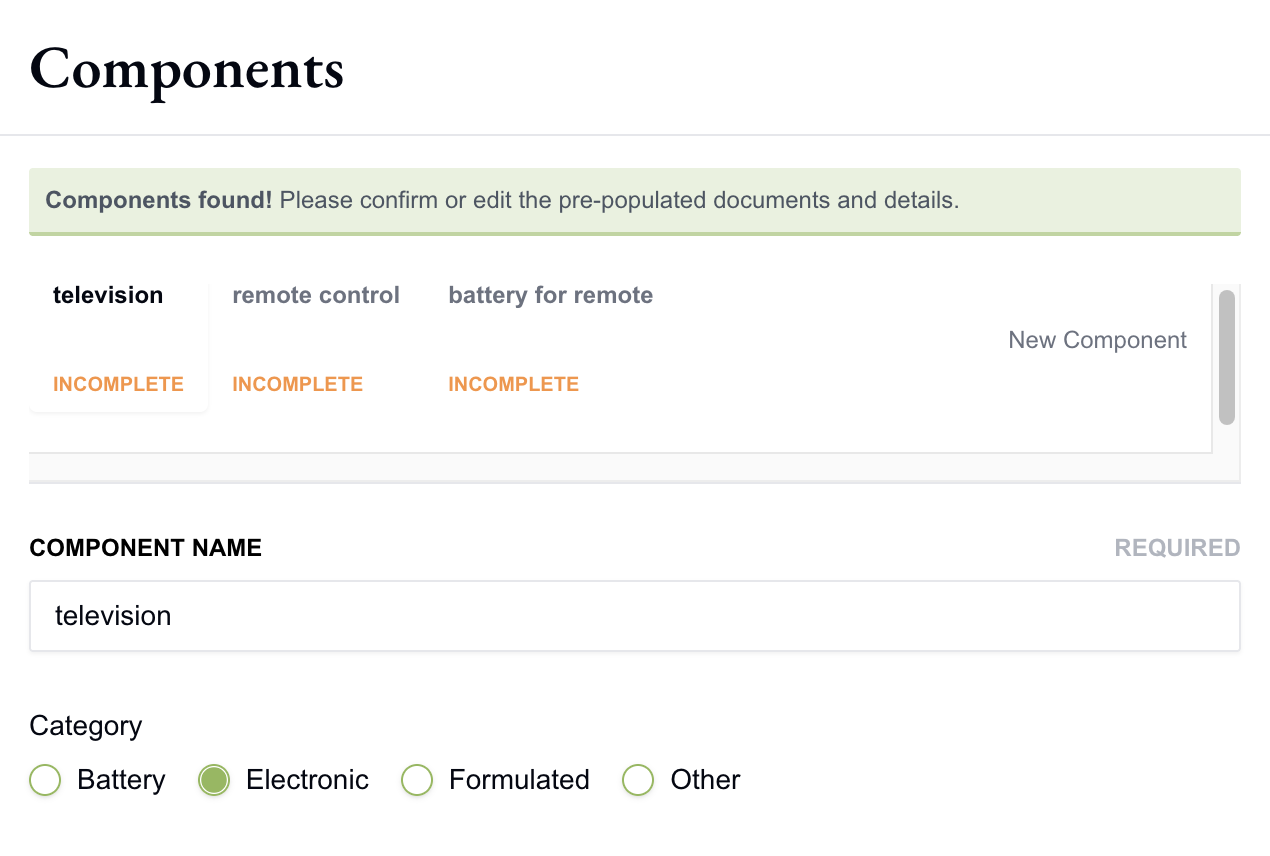
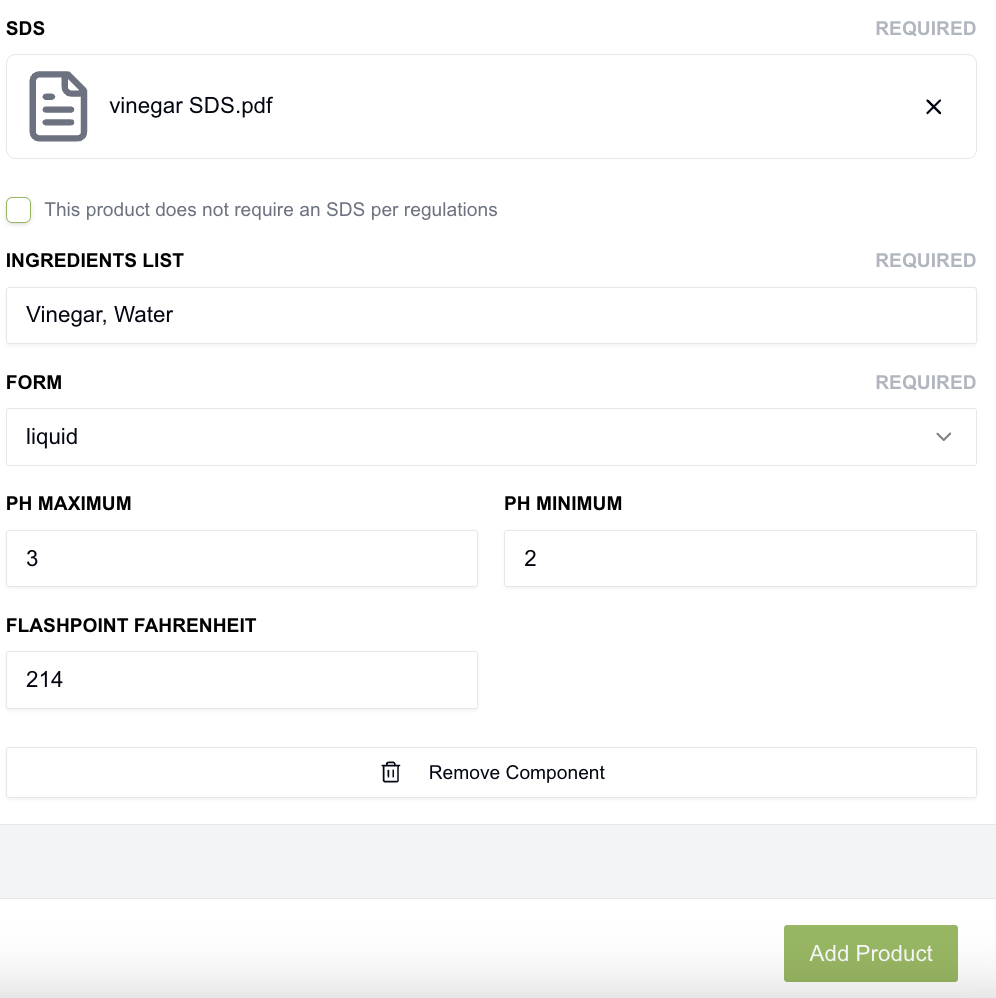
Going back to our Formulated product, review the information here and add an SDS if applicable. If your product does not legally require an SDS you may click 'This product does not require an SDS per regulations'.
Review the SDS we gathered for you or upload your own. Then, click 'parse' to fill in information from your SDS. 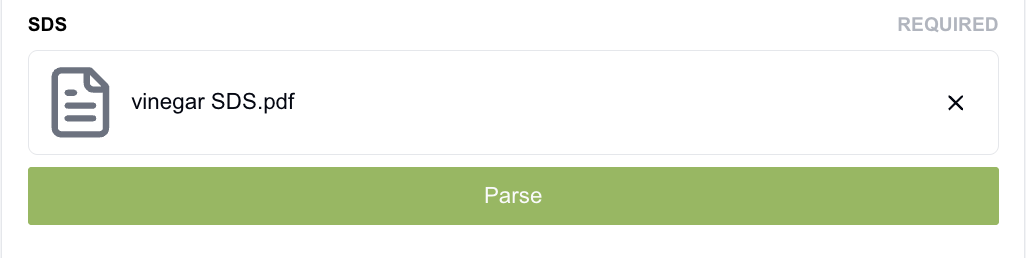
If we are unable to parse it then you will be asked to manually fill in the remaining information. Once you have filled in all of the attributes, please click 'Add Product'
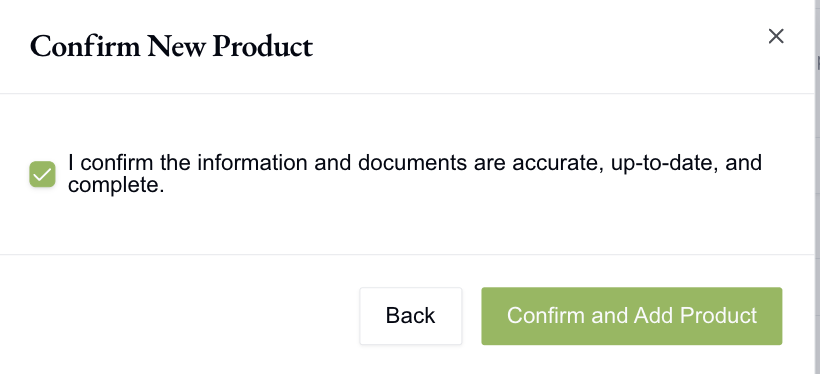
You will then be asked to confirm your information via a pop-up. This is legally attesting to your product information and is vital to ensure your retailer properly disposes, stores, and transports your item.
Once you have confirmed and added the product, it will begin classifying. You will receive an e-mail when your product has been classified and added to your dashboard. It will also be added to all relevant retailers' dashboards.
If you have any questions or run into issues please email Support@Smartersorting.com!
Still stuck? Contact support or email support@smartersorting.com Either way it lands straight in our ticket queue.