Sign in / out of your Back of Truck System (BOTS/TruckSiS) account
Just getting started on your Back of Truck System (BOTS/TruckSiS)? This doc will help walk you through signing in and out of your TruckSiS device.
Signing in with your TruckSIS account
Sign in whenever you bootup a TruckSIS with your email address (login) and 4-digit PIN.
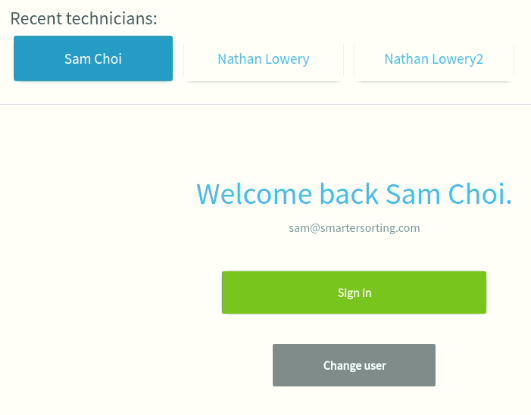
- Upon TruckSIS bootup, type in your US Ecology email address or select your name from the Recent technicians list if you’ve already signed in on the device.
- When you select Sign in, you will be prompted to submit your 4-digit PIN
- You can select Forgot PIN to receive an email to reset your PIN from
Logout
Select Logout on the left-hand navigation bar from any screen. The system will confirm you want to logout and go back to the Welcome screen.

Still stuck? Contact support or email support@smartersorting.com Either way it lands straight in our ticket queue.