Smarter Sorting Sign-Up and Walkthrough
Walkthrough video:
How to sign-up on data.smartersorting.com
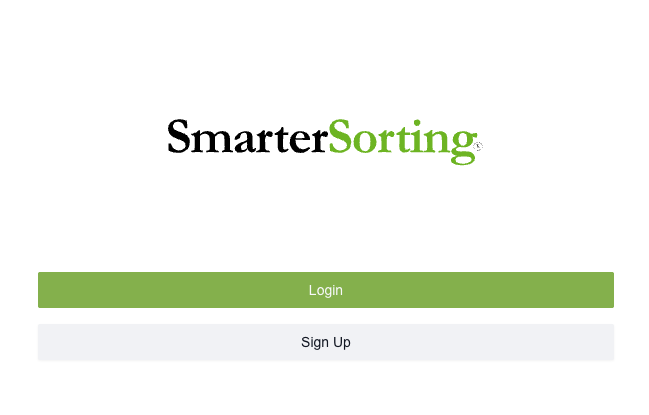
To start, navigate to Smarter Sorting and click 'sign-up'.
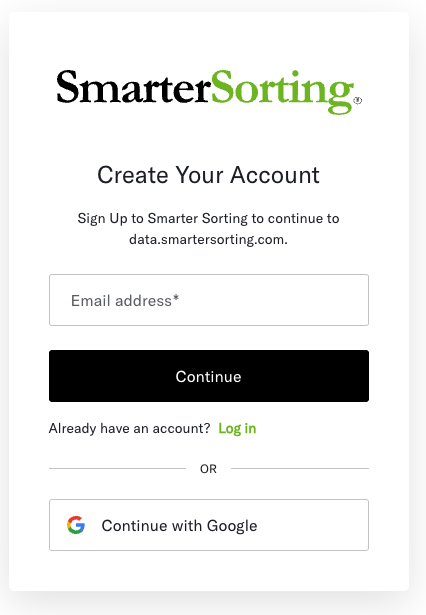
Then, enter an email and password or connect your Google Account and click 'continue'.
You will then be asked to enter some account information such as Name and Job Title.
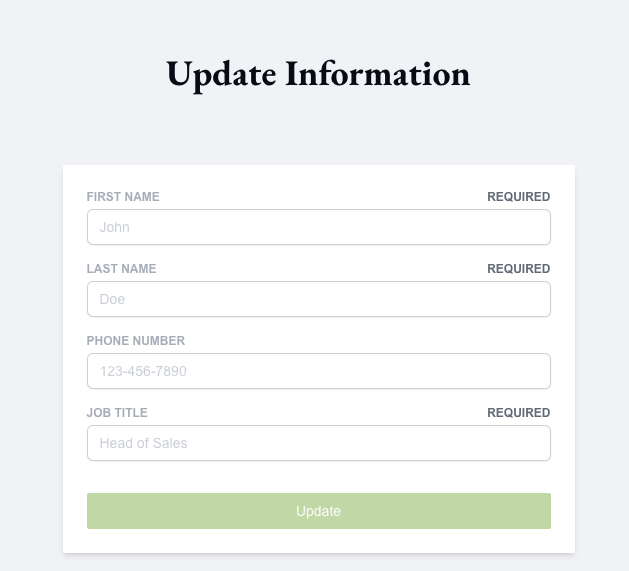
Once you have entered the required information, click 'update'.
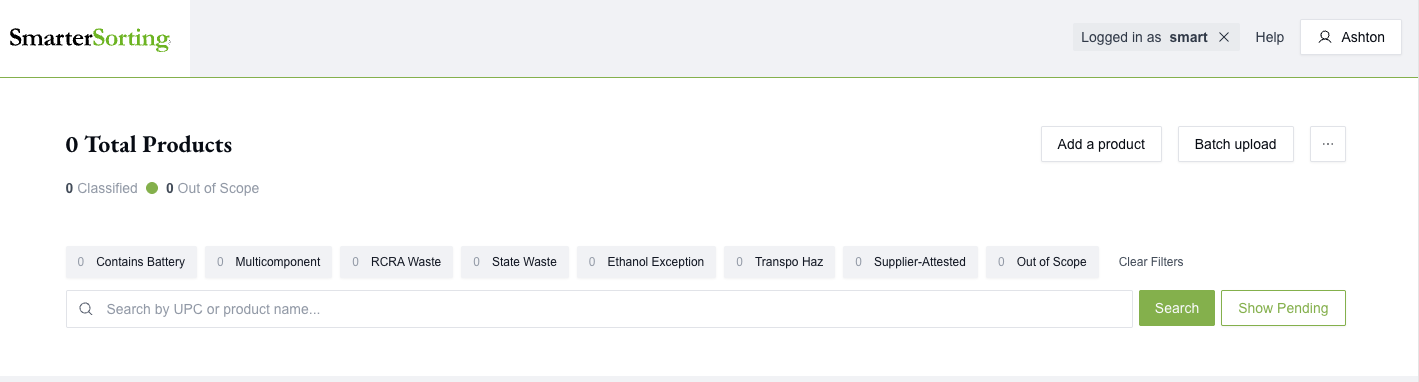
You will now be in your dashboard. If someone in your company has already made an account you will be automatically added to the supplier account based on your email domain, so please use your work email.
If you are the first user, you will not see items in your dashboard yet.
If you need to be added to a supplier account or have any issues during sign-up, please email Support@SmarterSorting.com
Still stuck? Contact support or email support@smartersorting.com Either way it lands straight in our ticket queue.