Troubleshooting Issues with the Back of Store System Camera
Things not looking right? We can help. Read through this troubleshooting guide to get your camera fixed in a snap.
Issue
The image from my camera is blurry or washed out.Resolution
- If the image is blurry or washed out please make sure the camera enclosure is clean from the outside
- If you do not have an image and nothing is blocking the camera, the Back of Store System may need to be rebooted.
Rebooting your BOSS:
- Tap on the user icon at the bottom left of the screen
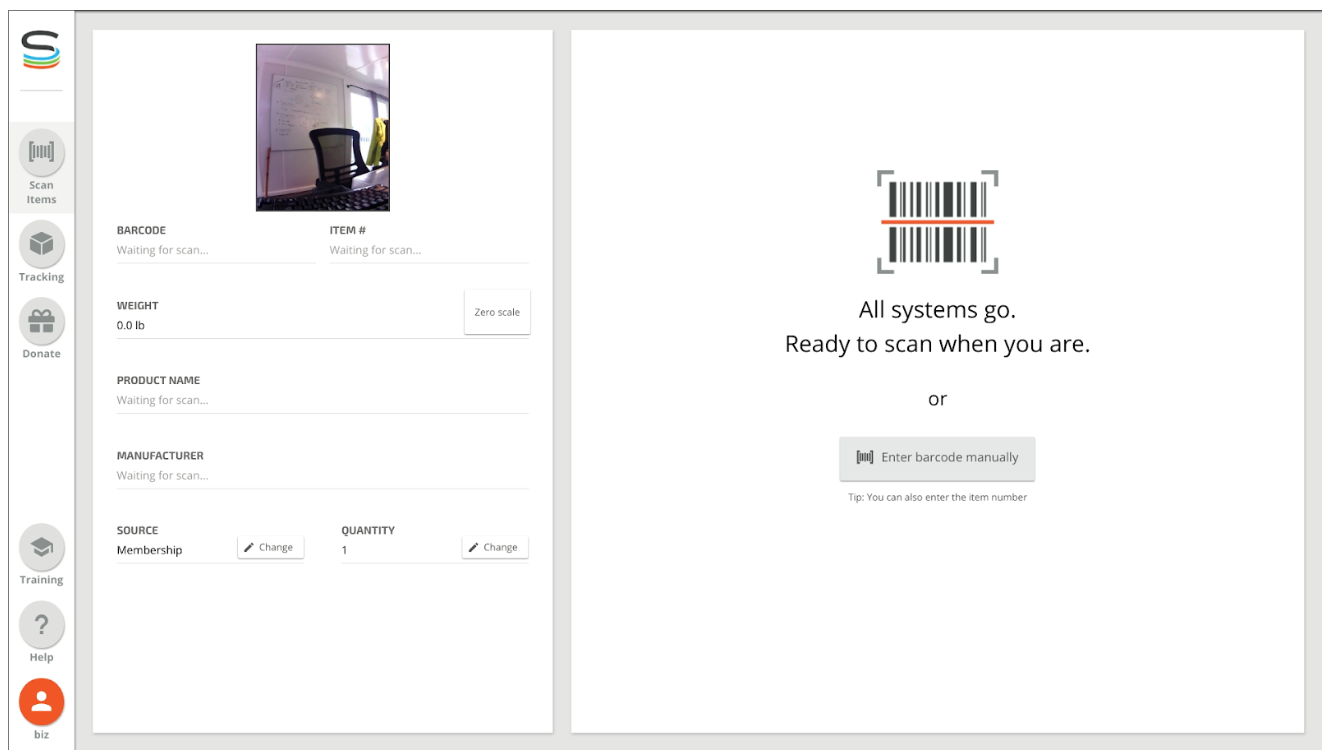
- Tap Restart at the bottom of the screen
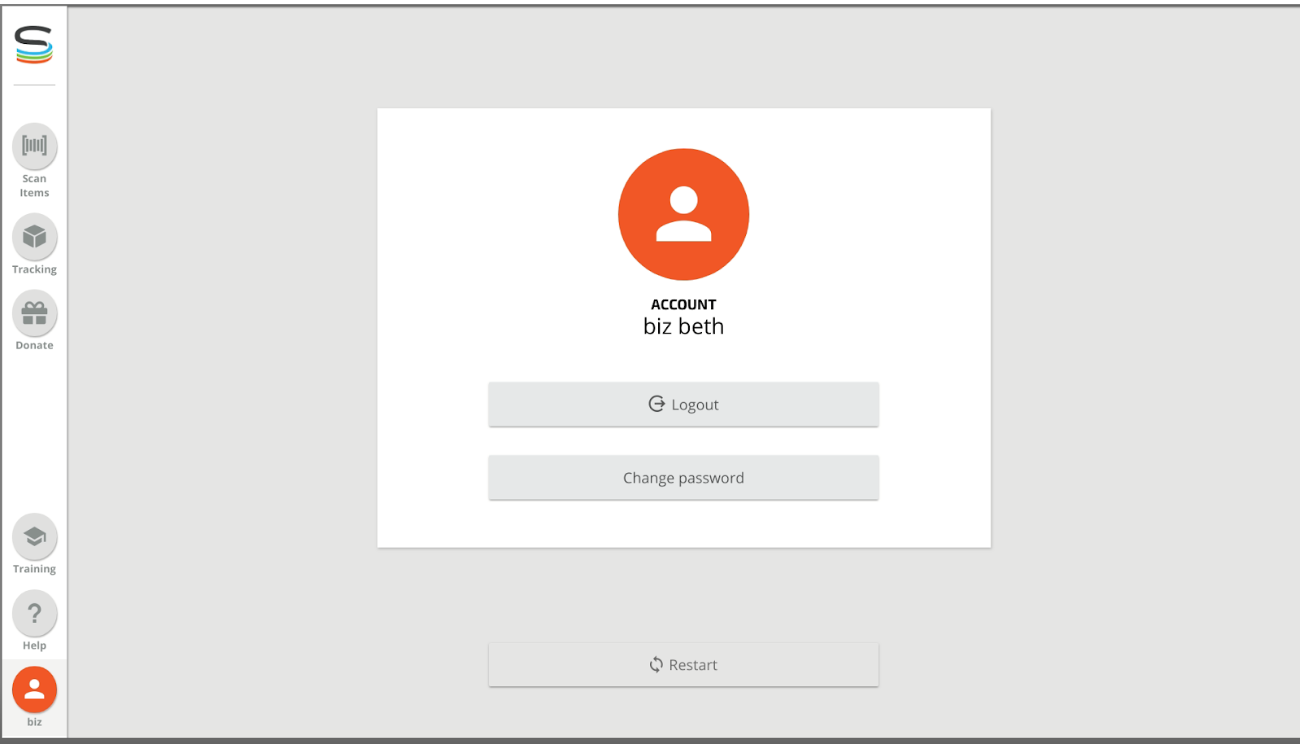
- Wait for the BOSS to restart
- Log in by selecting the username and enter pin, the image should be back
If there is still no image after rebooting or if the enclosure is clean but the image is still blurry, please contact support.
Still stuck? Contact support or email support@smartersorting.com Either way it lands straight in our ticket queue.